|
|||||||||
|
Change virtual drive letter assignment |
|||||||||
|
You are here: Tutorials > Change virtual drive letter assignment |
|||||||||
|
|
|||||||||
|
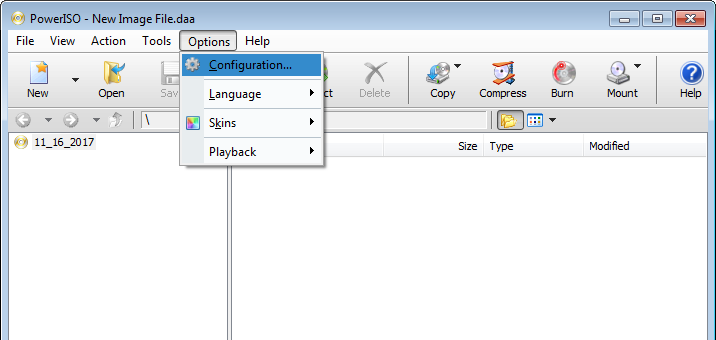
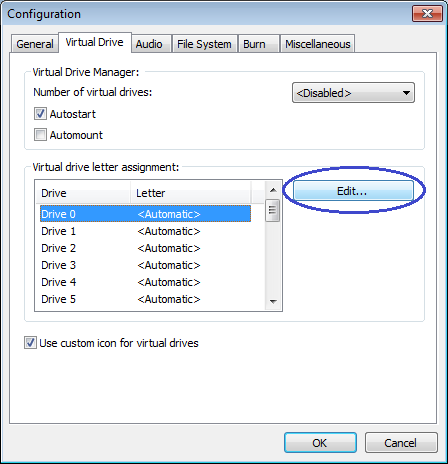
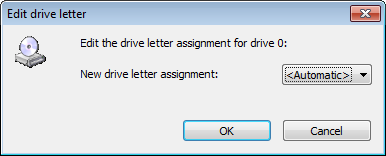
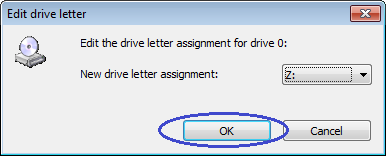
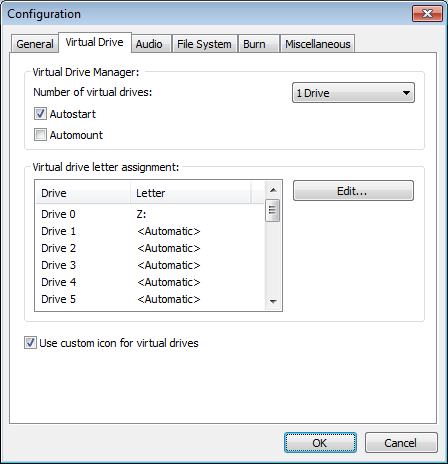
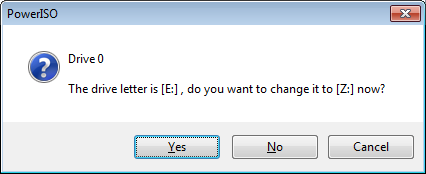
By default, PowerISO virtual drive will use the first unused drive letter (begining from D:). However, if you want to keep a drive letter for other device, or want to assign another drive letter for the virtual drive, you can change the virtual drive letter assignment.
|
|||||||||
|
Copyright 2004-2025 PowerISO.com All rights reserved. |
|||||||||